Accessing the Application
This page explains how to open Product AI from AI Cockpit One and navigate its main interface.
Before You Start
To use Product AI, you need:
- An active account in AI Cockpit One.
- Access to an organization that has Product AI enabled.
If either condition is not met, contact your administrator.
Opening Product AI
Product AI is accessed through AI Cockpit One. AI Cockpit One handles authentication — there is no separate login for Product AI.
- Sign in to AI Cockpit One.
- From the One Home screen, locate the Product AI platform card.
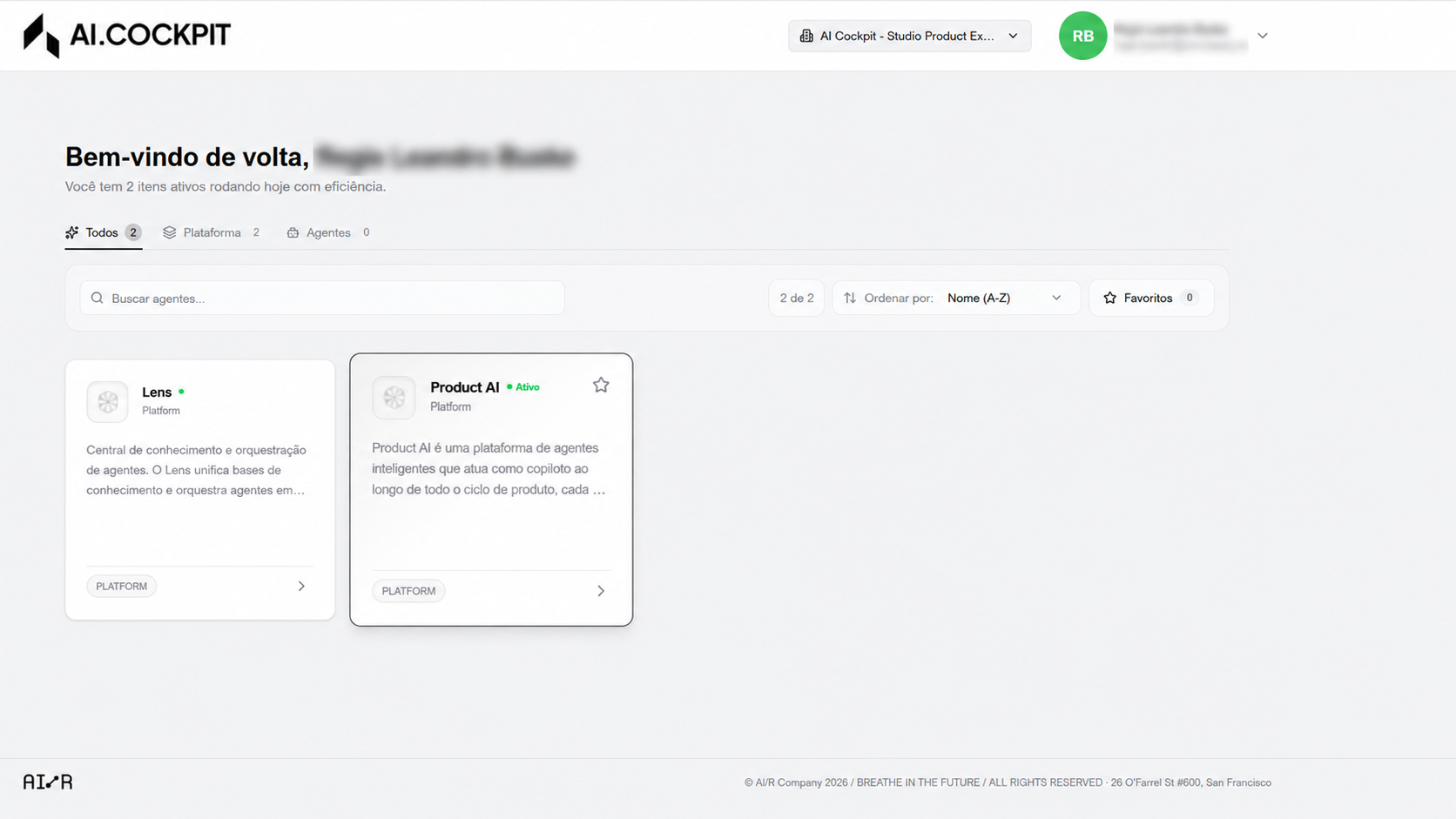
- Click the card to open the Product AI panel, then click Access.
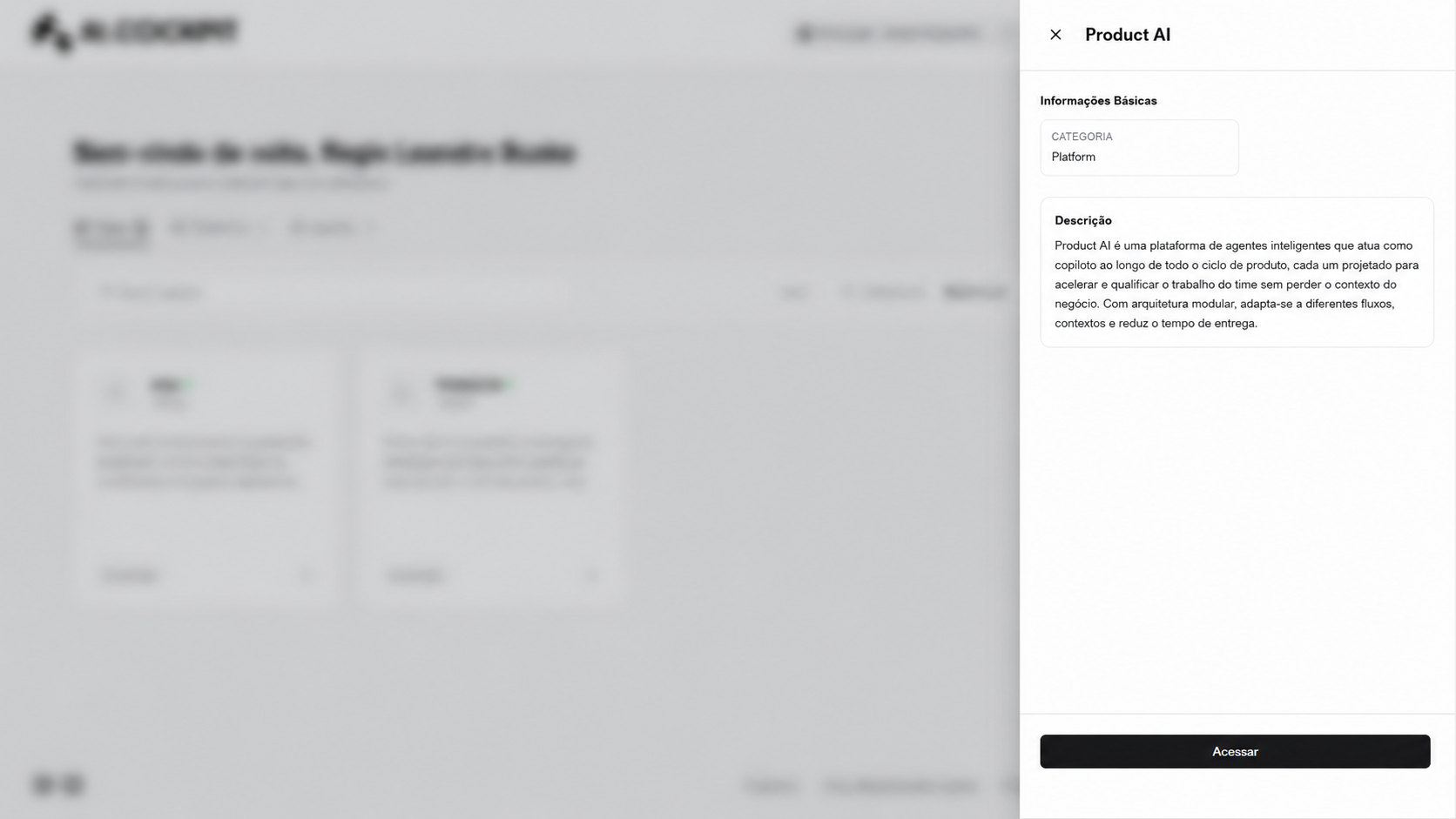
Product AI opens already authenticated. Select your organization using the organization selector in the Product AI header to load the agents available to that organization.
Switching Organizations
To switch organizations, use the organization selector in the Product AI header — no need to return to AI Cockpit One.
Interface Overview
| Section | Description |
|---|---|
| Dashboard | Browse and select available agents |
| Chat | Active and past conversations with agents |
| Agents Management | Create, edit, and delete agents (Admin / Manager only) |
Next Steps
Head to Exploring Agents to find the right agent for your task.