Settings
The Settings page is where you configure how Adoption connects to your version control provider, which repositories are included in the analysis, and how contributor identities are resolved.
Provider Configuration
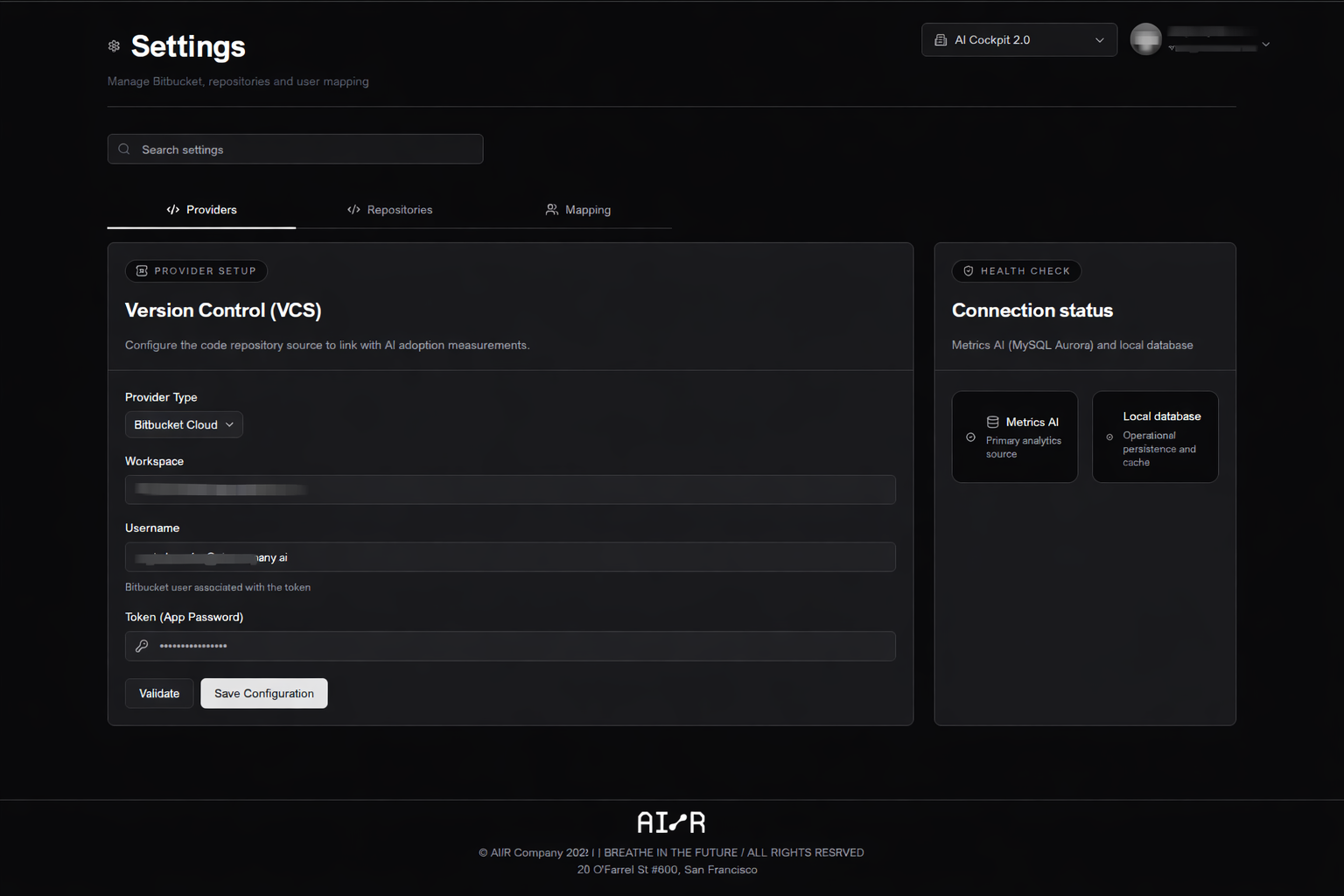
The Providers tab is used to configure the version control source. Fill in the following fields:
- the provider type
- the workspace or organization
- the username, when applicable
- the access token or app password
After saving, the application validates access and uses this configuration to synchronize repository data.
Repository Selection
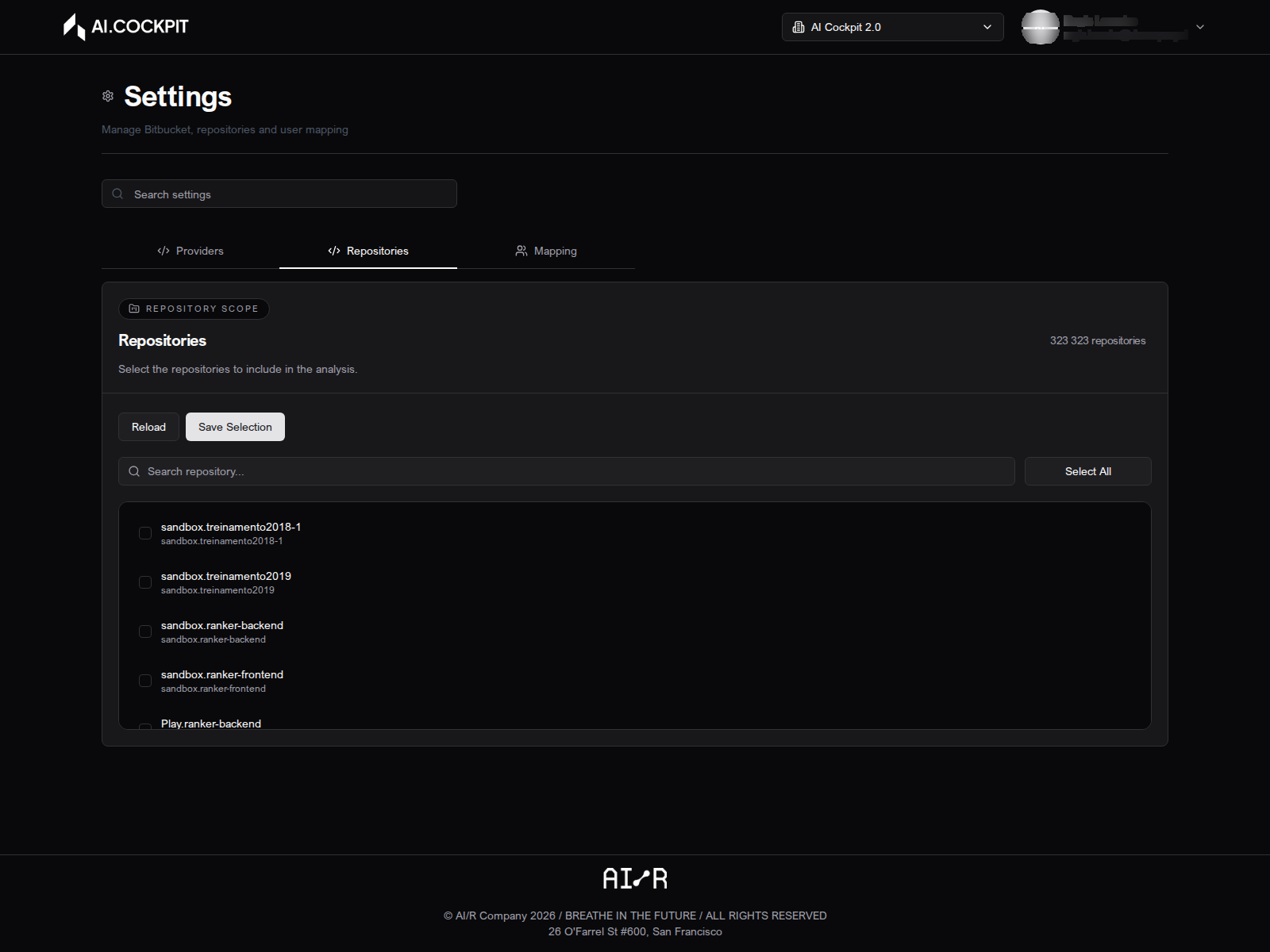
The Repositories tab defines which repositories are included in the analysis scope. After the provider is configured, the available repositories are loaded from your version control account. Select or deselect repositories to control what participates in synchronization and reporting.
User Mapping
The Mapping tab lets you upload a CSV file that maps version control identities to email addresses. This is useful when repository usernames and telemetry identities are not represented in the same way.
Return to the Settings page whenever:
- the provider token changes or expires
- a new workspace or owner must be configured
- repositories need to be added or removed from scope
- contributor identities are not matching correctly in the analysis
Next Steps
- Synchronization — run a synchronization job after updating your configuration
- Troubleshooting — resolve common configuration issues